Every recipe you keep, weighed to the gram.
Import a recipe from any link with your own AI key, or from most recipe sites without one. Syntagés weighs every ingredient, works out the macros, plans your week around your targets and merges the grocery list. All of it stays on your phone.
- No account
- No tracking
- Works offline
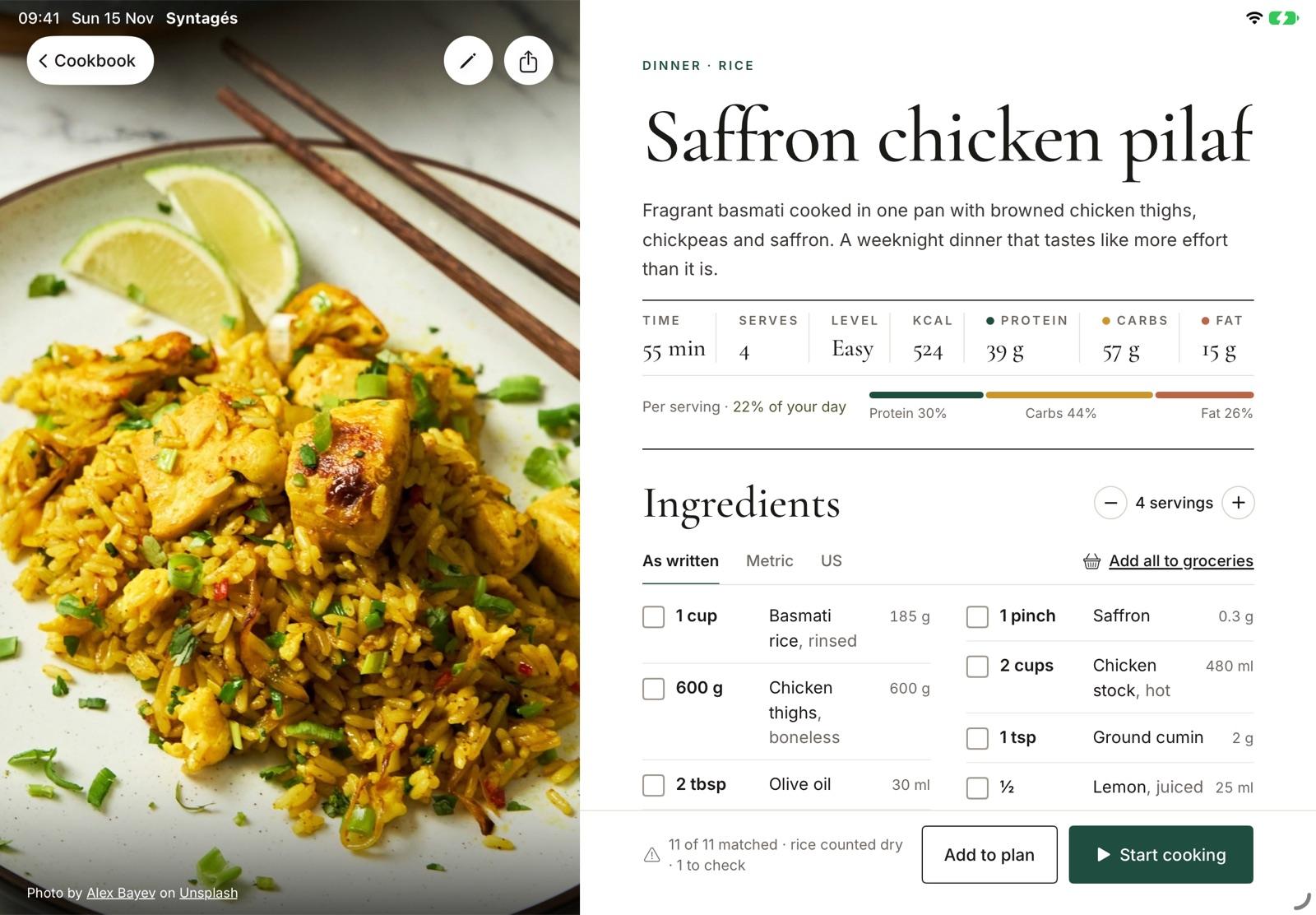
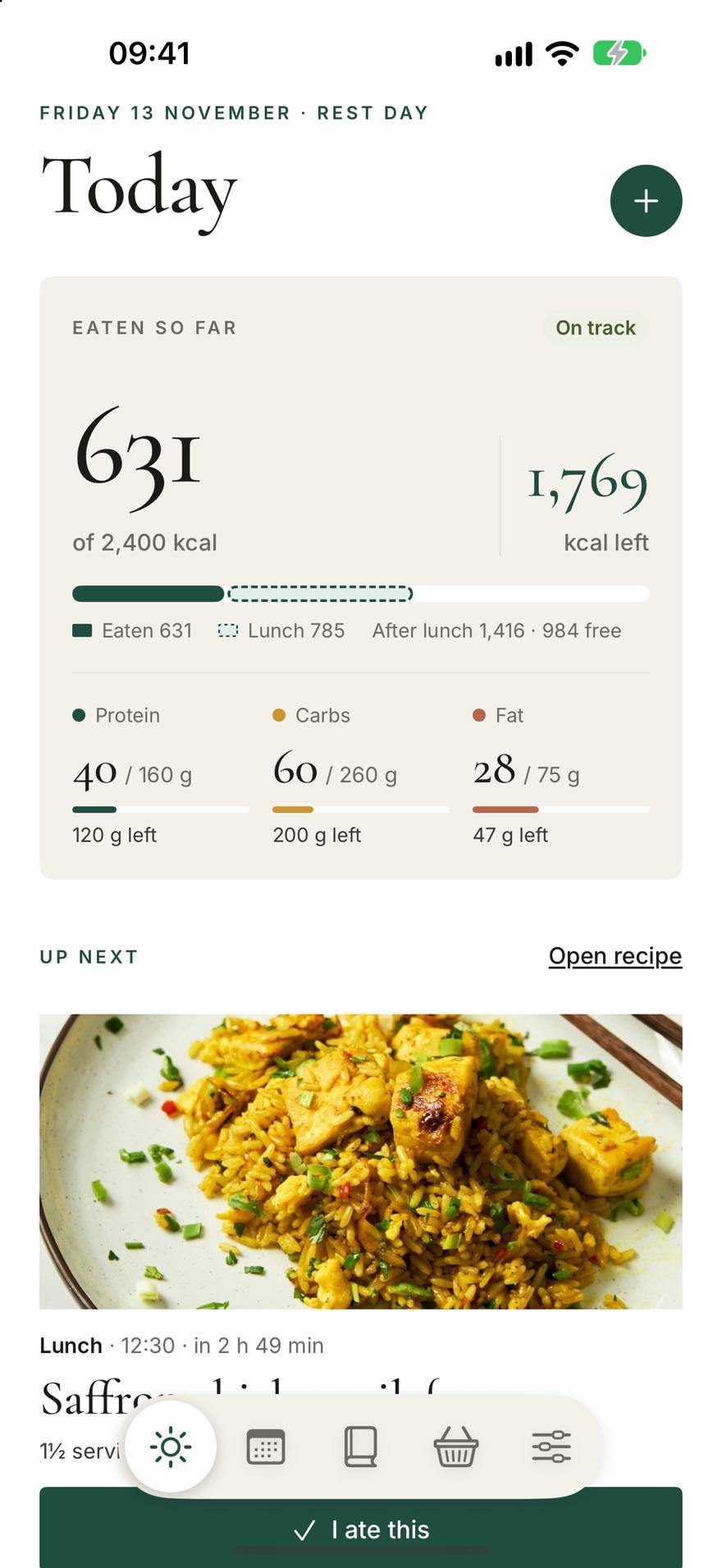
Screens from the app. Dish photo by Alex Bayev on Unsplash.
- 30 s
- or less from a link to a recipe with every ingredient weighed.
- ±5%
- of your calorie target on every day the planner fills.
- One line
- per food on the grocery list, however many recipes use it.
- None
- accounts, servers or trackers. Your cookbook is yours.
Paste a link. Get the recipe, weighed.
Share a page from Safari or Chrome, paste the text, or photograph a cookbook page. Your own AI key reads it, matches every ingredient to a food and weighs it. No key? Links to pages with a recipe card, as most recipe sites have, import on your device with Apple Intelligence or Gemini Nano. When something can’t be weighed, it asks one clear question instead of guessing.
- Opened the page
- Read 11 ingredients and 6 steps
- Weighed 10 of 11 — one question
How much is “1 handful parsley”?
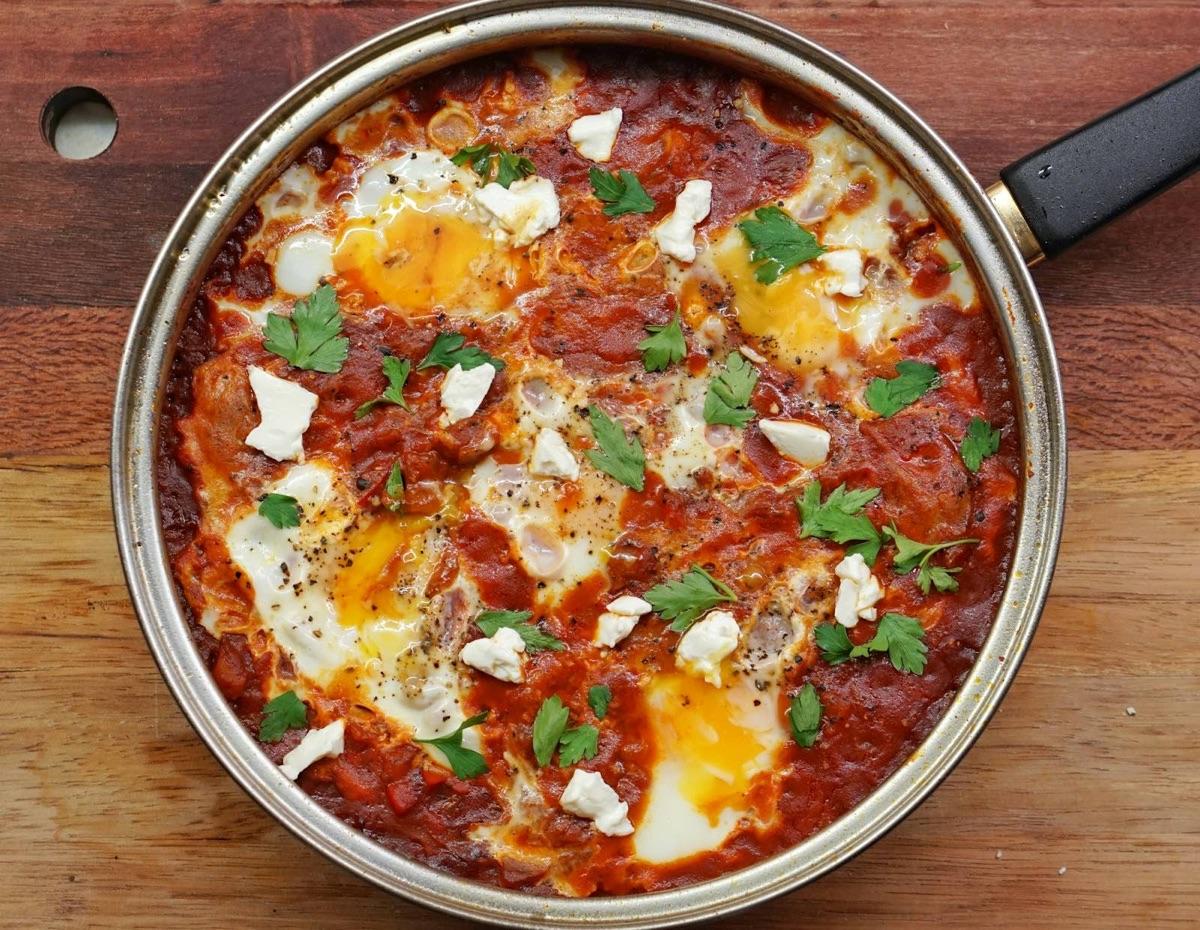
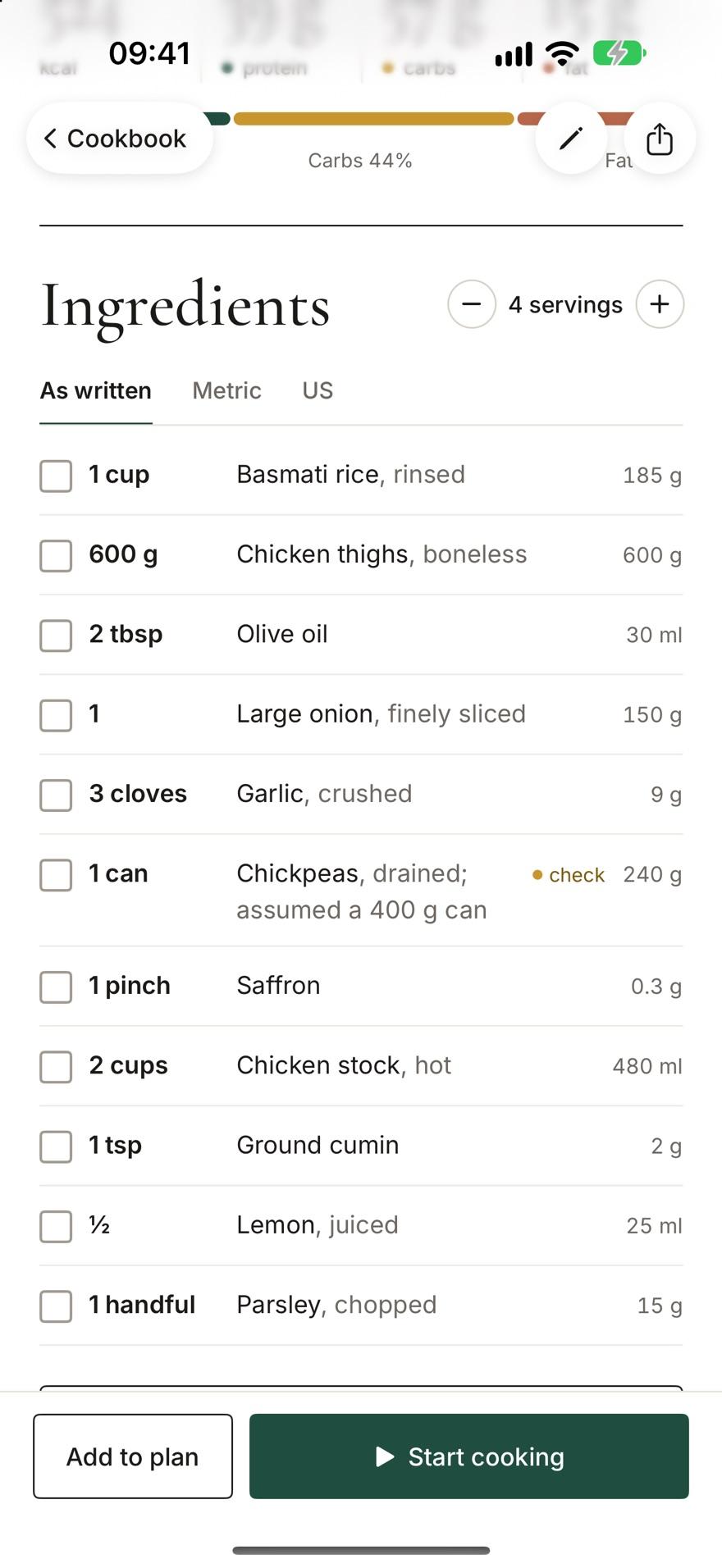
Photo by amirali mirhashemian on Unsplash
Written for people. Counted in grams.
Syntagés keeps “1 cup basmati rice” the way the author wrote it, with 185 g beside it. Every sum uses the grams, so calories and macros per serving are exact, from USDA food data that ships inside the app and works offline.
- kcal
- 524kcal
- protein
- 39 gprotein
- carbs
- 57 gcarbs
- fat
- 15 gfat
- 1 cup Basmati rice, rinsed185 g
- 600 g Chicken thighs, boneless600 g
- 2 tbsp Olive oil30 ml
- 1 Large onion, finely sliced150 g
- 1 can Chickpeas, drained · check240 g
- 1 pinch Saffron0.3 g
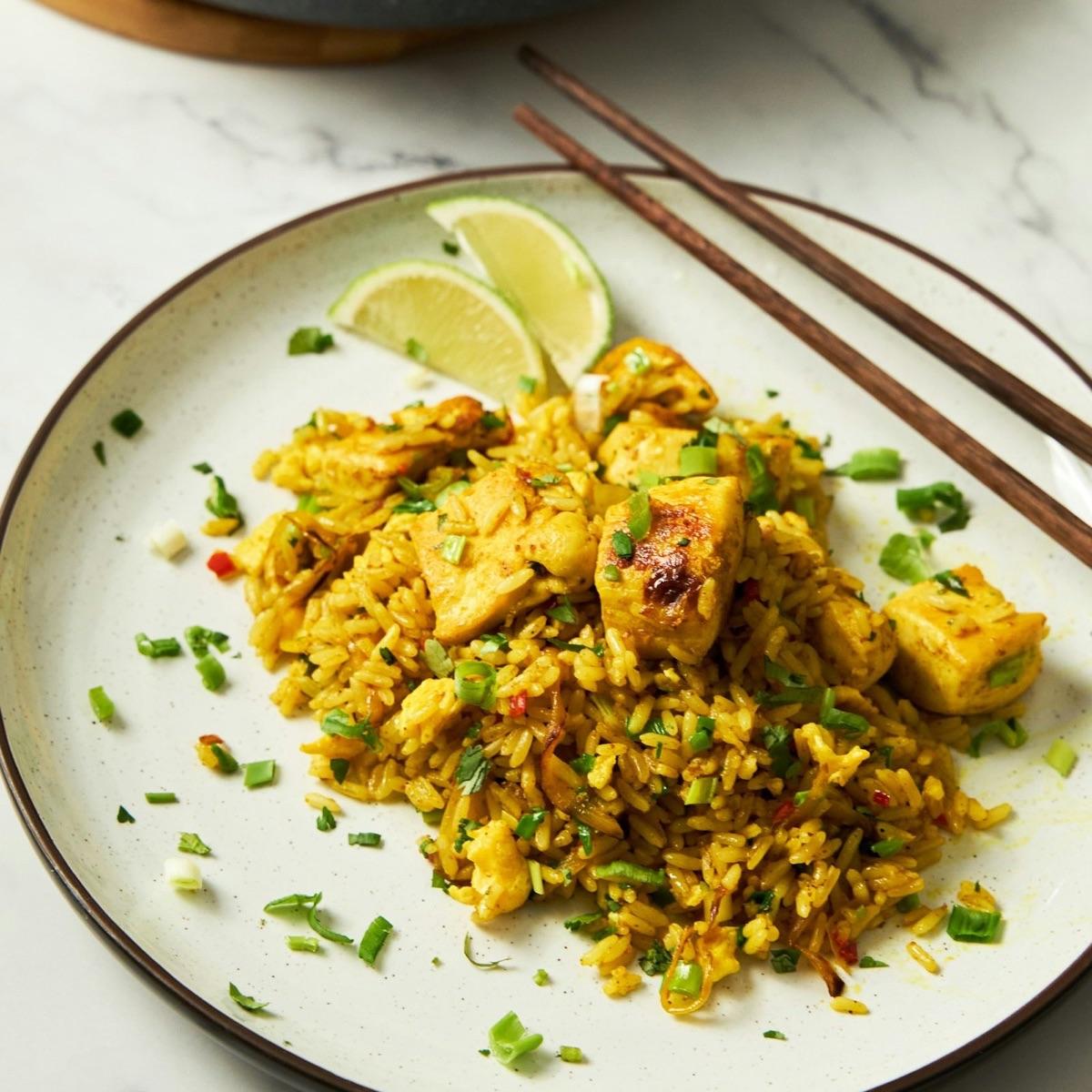
Photo by Alex Bayev on Unsplash
A week that fits your targets.
Set a daily target and your meal times. Generate week fills every slot from your own recipes, scales portions in quarter servings and plans leftovers, so you cook once and eat twice. Logging a planned meal is one tap.
- Within
- Within
- Within
- Within
- Under
- Over
- Within
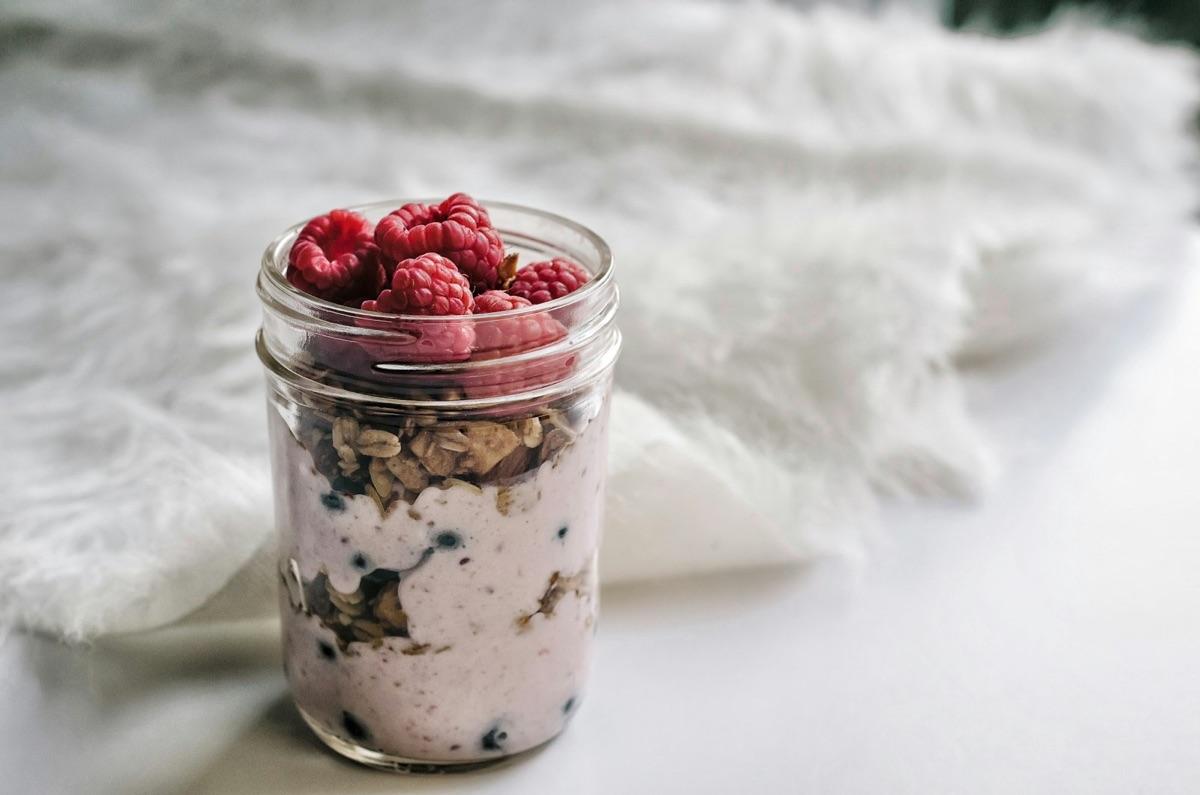
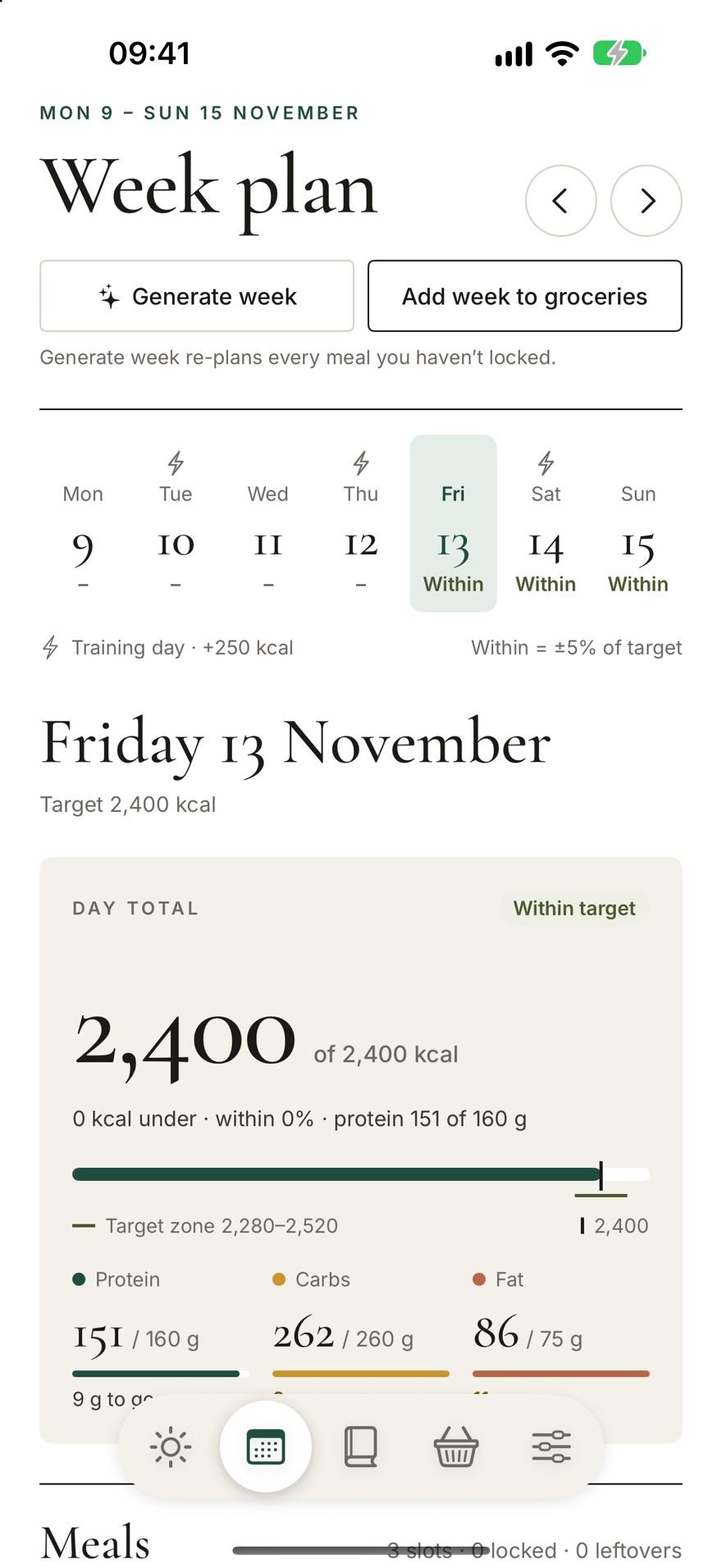
Photo by Alisha Hieb on Unsplash
One list, every recipe merged.
Add a recipe, or the whole week in one go. The same food from different recipes becomes one line with one total, sorted by aisle and rounded to what the shop sells. Staples you always have stay out of the way.
- GarlicFrom 3 recipes8½ cloves · 25 g
- Large onionFrom 2 recipes2 · 250 g
- Spring onionsPrawn pad thai4½ · 68 g
- LemonSaffron chicken pilaf½ · 28 ml
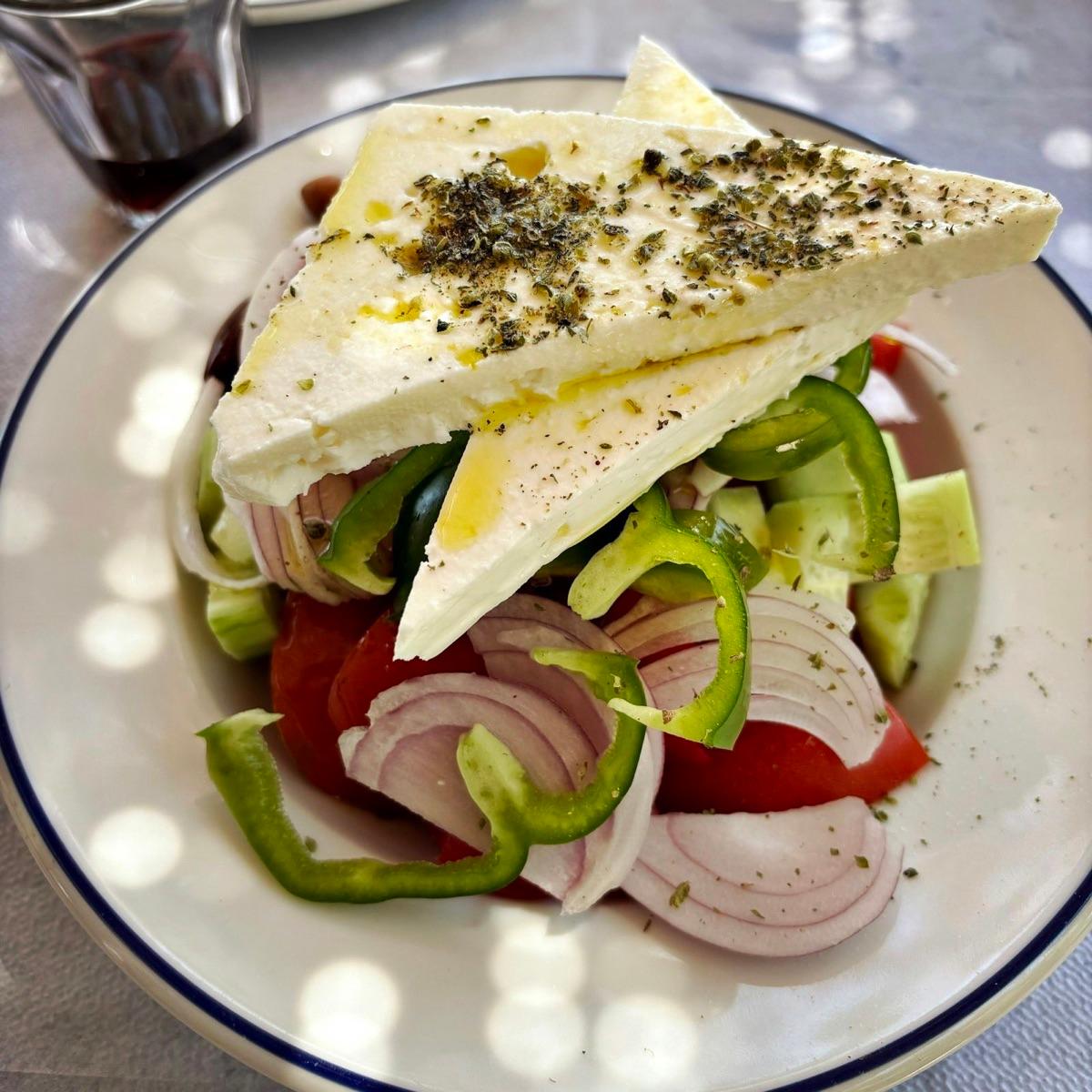
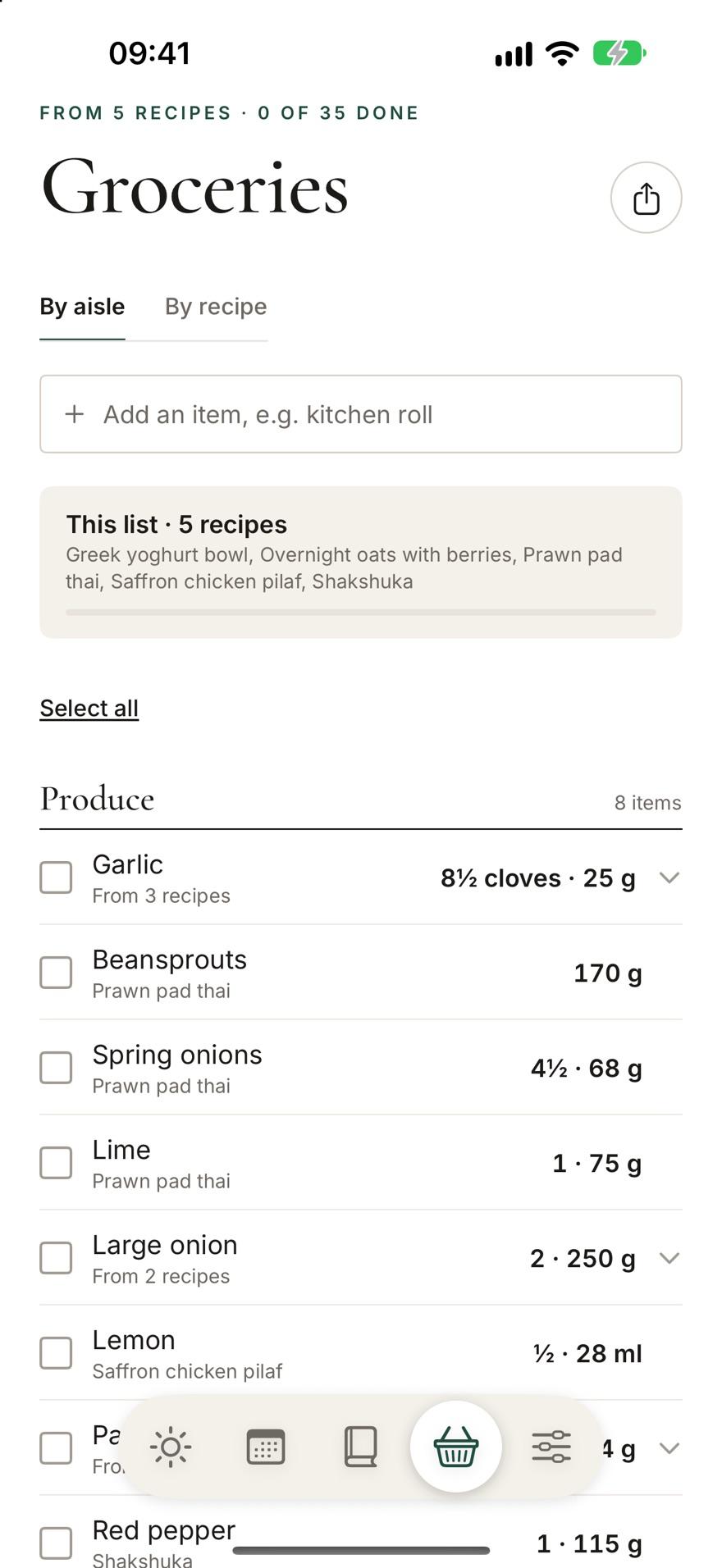
Photo by william wallace on Unsplash
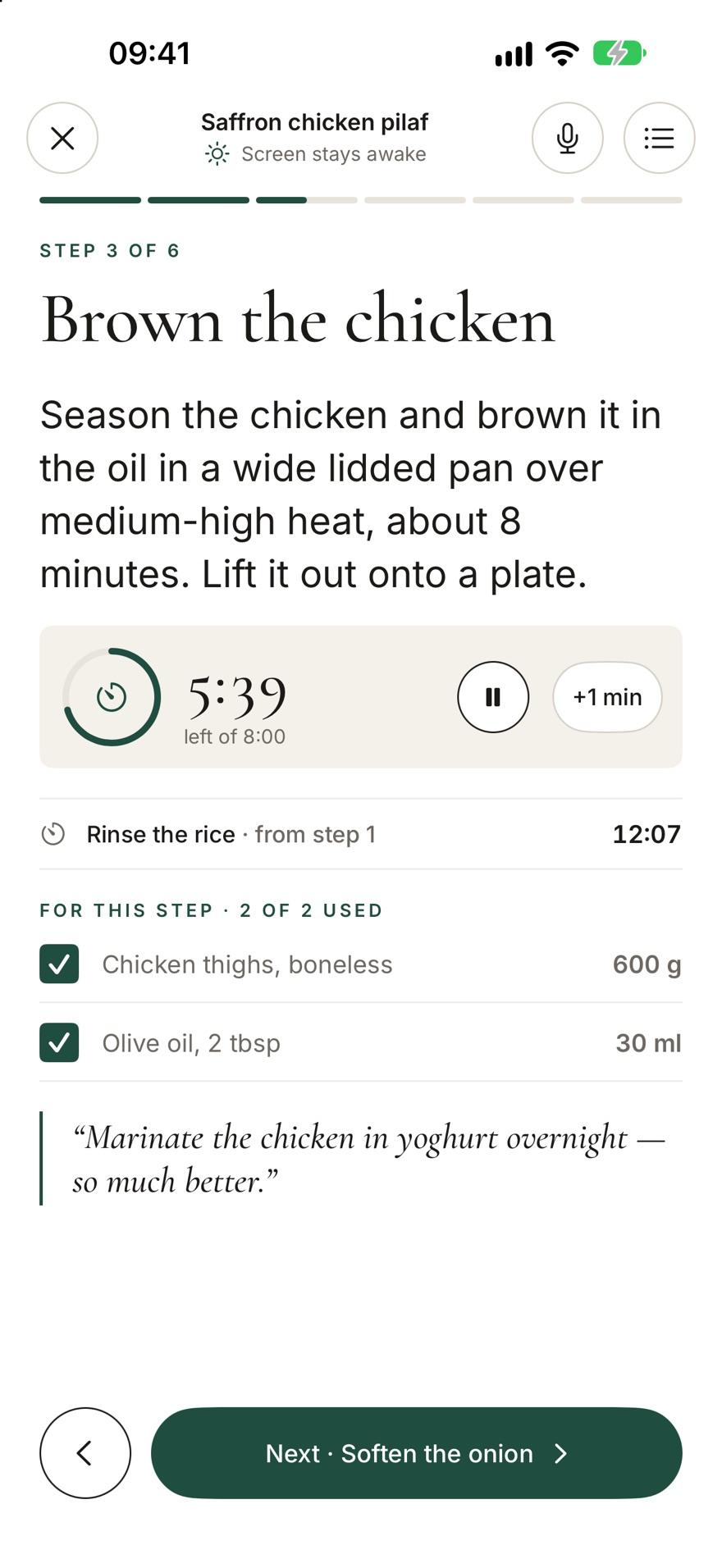
One step at a time, hands free.
Large type you can read from the hob, and a screen that stays awake. Each step lists only the ingredients it uses. Timers start from the step and keep counting outside the app. Say “next step” or “start timer” with flour on your hands: your voice is understood on the device and never sent anywhere.
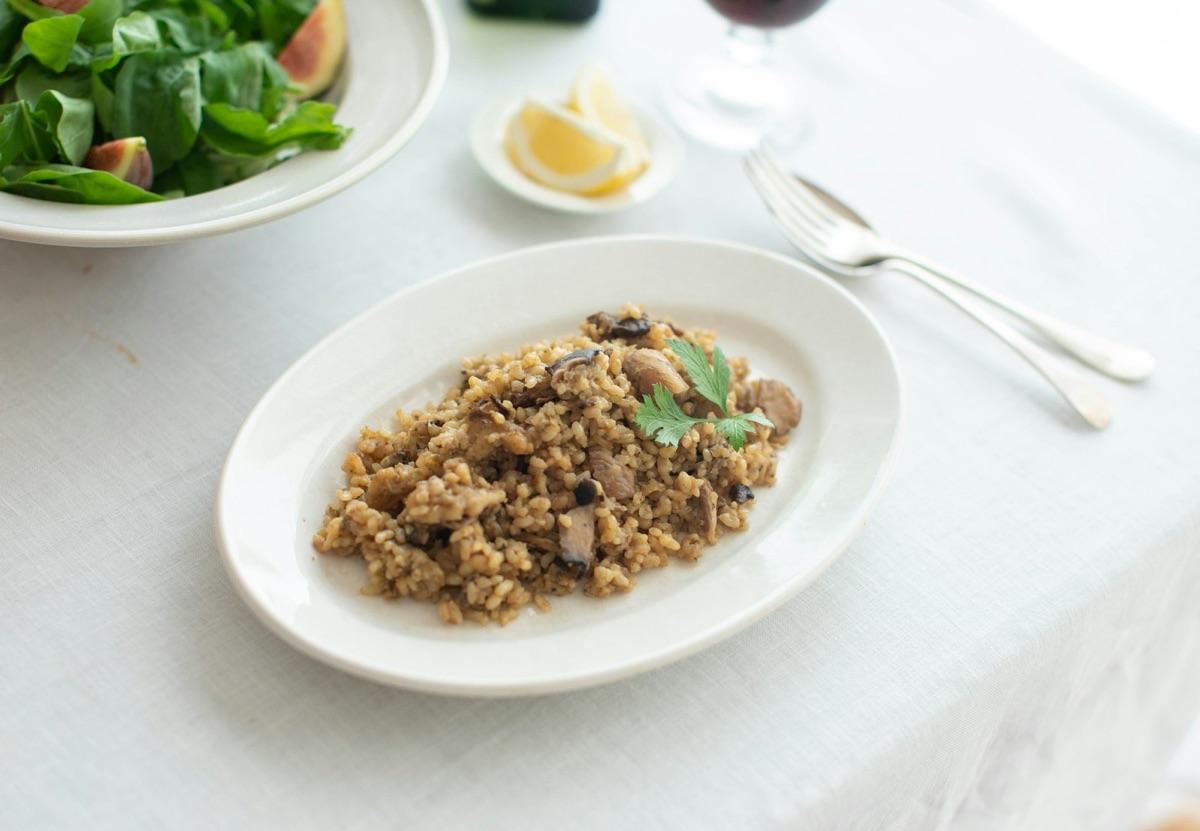
Your cookbook stays yours.
There is no Syntagés account and no Syntagés server. What you save lives on your device and syncs through your own iCloud or Google Drive.
Read the privacy pageOn your device
Recipes, photos, plans, logs and groceries live in the app and work offline.
In your own cloud
Sync uses your private iCloud database or your Google Drive app folder. We never see it.
Keys in the Keychain
Your AI and Unsplash keys stay in the Keychain or Keystore: never synced, never exported.
Nothing tracked
No account, no analytics, no ads, and nothing that tracks what you cook.
What leaves your phone, and when
| Goes to | When | What is sent |
|---|---|---|
| The recipe’s website | When you import a link | An ordinary page request, made by your phone |
| Your AI provider | When you import, with your own key | The page text or the photo of a cookbook page |
| Google (Android only) | When you import without a key | Anonymous usage metrics from ML Kit, never the recipe |
| Unsplash | When you look for a photo, with your own key | Only the search words |
| Open Food Facts | When you scan a barcode | Only the barcode number |
Before you start
Two optional keys turn on the parts that need the internet. Both are yours: you sign up with the provider, and the key never leaves your device’s secure storage.
How to add a keyAn AI key
Bring a key from Anthropic, OpenAI or Google. Pages go straight from your phone to the provider you chose, and you pay them directly for what you use. No key? Links to pages with a recipe card still import on your device, and everything else works.
An Unsplash key
When a recipe has no photo, Syntagés can suggest some from Unsplash, credited to the photographer. Only the search words are sent. Your camera and photo library always work without it.
Bring your recipes home.
For iPhone, iPad and Android. Nothing to sign up for.